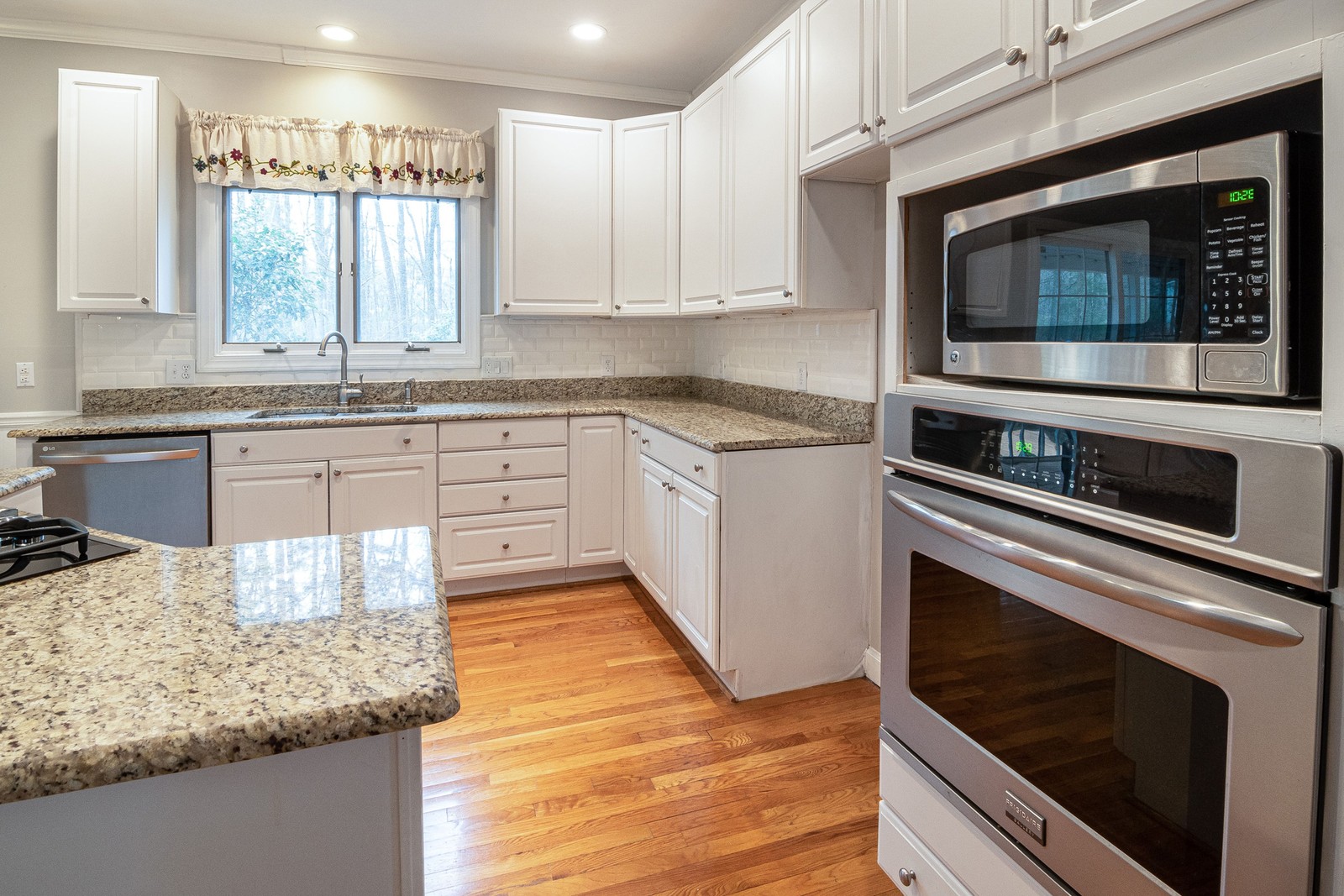
Quick answer: a microwave that runs but won't heat almost always has a failed component inside, most often a door switch, and needs a technician. A microwave that sparks is a different problem entirely, usually metal inside, a damaged waveguide cover, or chipped interior paint, and it's often something you can identify and sometimes fix yourself in minutes.
Both symptoms are alarming the first time you see them, but they point in opposite directions. Not heating means something in the power delivery chain has quietly failed while everything else, the light, the fan, the turntable, keeps working normally. Sparking means the microwave energy is finding an exposed metal surface to arc against, which is a completely different mechanism with nothing to do with the parts that generate heat.
This guide covers both, in the order you're likely to run into them, plus one section up front on the one thing you should never do with either problem: open the microwave's outer case yourself.
Before anything else: never open, disassemble, or attempt to test or discharge anything inside a microwave's outer case. The high-voltage capacitor can hold a lethal electrical charge even weeks after the microwave has been unplugged. This is different from almost every other kitchen appliance, and it's exactly why microwave internal repairs are always a technician job, no matter how comfortable you are working on other appliances. None of this applies to using a working microwave normally, which is completely safe.
Every microwave has two or three interlock switches on the door frame that must all engage correctly before the magnetron is allowed to run, a safety measure that prevents microwave energy from leaking out an open or improperly latched door. When one switch fails, the microwave can still power on, spin the turntable, and run the light, while quietly refusing to start the magnetron at all. This is the single most common cause of a microwave that runs but produces no heat.
Signs it's a door switch:
Can you fix it yourself? No. The switches sit just inside the case near the high-voltage section, and reaching them means opening the case, which risks contact with the capacitor's stored charge. This is a technician repair.
The high-voltage diode converts AC power into the DC voltage the magnetron needs to generate microwaves. A shorted or open diode cuts that conversion entirely, and it commonly fails alongside the main fuse, since a shorted diode is exactly the kind of fault a fuse is designed to catch.
Signs it's the diode:
Can you fix it yourself? No. The diode sits directly in the high-voltage circuit next to the capacitor. Opening the case to reach it carries the same lethal stored-charge risk described above, so this is always a technician repair.
The capacitor works alongside the diode to store and deliver the high voltage the magnetron needs. It's also the single most dangerous component in the microwave, capable of holding a lethal charge long after the unit is unplugged. When it fails, the result looks identical to a failed diode from the outside: everything runs, nothing heats.
Signs it's the capacitor:
Can you fix it yourself? Absolutely not. This is the exact component responsible for the lethal-charge risk described above. Never open the case to inspect, test, or replace it yourself, regardless of your experience with electrical work on other appliances.
The magnetron is the component that actually produces the microwaves that heat food. Like any part with a working lifespan, it wears out gradually, most commonly after eight to ten years of regular use, and once it fails, no amount of testing the rest of the circuit brings the heat back.
Signs it's the magnetron:
Can you fix it yourself? No. Magnetron replacement requires opening the case and working directly in the high-voltage section. A technician will also weigh whether replacing an aging magnetron makes sense given the unit's overall age.
A blown fuse is often the result of another failure rather than the root cause itself. A shorted diode or capacitor draws excess current, and the fuse blows to protect the rest of the microwave, cutting power to the magnetron before any of the other symptoms even have a chance to show up.
Signs it's a blown fuse:
Can you fix it yourself? No. Confirming a blown fuse safely, and finding out what caused it to blow, both require opening the case and testing components in the high-voltage section, so this stays a technician job.
This is a different problem altogether, and by far the most common cause of sparking. Metal reflects microwave energy instead of absorbing it, and a fork, a twist tie, or a decorative metallic rim on a plate creates a concentrated point where that energy arcs violently rather than spreading out and heating food.
Signs it's metal inside:
Can you fix it yourself? Yes, immediately. Simply stop using metal, foil, and metallic-trimmed dishware in the microwave. No repair is needed if this was the cause.
The waveguide cover is a small panel, usually on a side or top wall of the cavity, that shields the opening where microwave energy enters the cooking chamber from food splatter and grease. Once it burns through or wears out from years of splatter and cleaning, energy arcs directly at that exposed spot instead of passing through cleanly.
Signs it's the waveguide cover:
Can you fix it yourself? Often yes. The waveguide cover is usually held in place by one or two screws or clips and sits fully inside the cavity, well away from the high-voltage section, so it doesn't require opening the case. Ordering the correct cover for your model and swapping it is a reasonable DIY repair.
The interior cavity walls are coated with a paint or enamel finish over the metal underneath. A chip, scratch, or worn spot, often from a fork scraping the wall or years of scrubbing the same corner, exposes bare metal directly, which arcs the same way a piece of foil would.
Signs it's chipped interior paint:
Can you fix it yourself? Partially. Avoiding contact with the damaged spot and keeping metal utensils away from it can slow things down temporarily, but a proper fix usually means replacing the cavity liner or the unit, since the exposed metal itself can't be safely repainted.
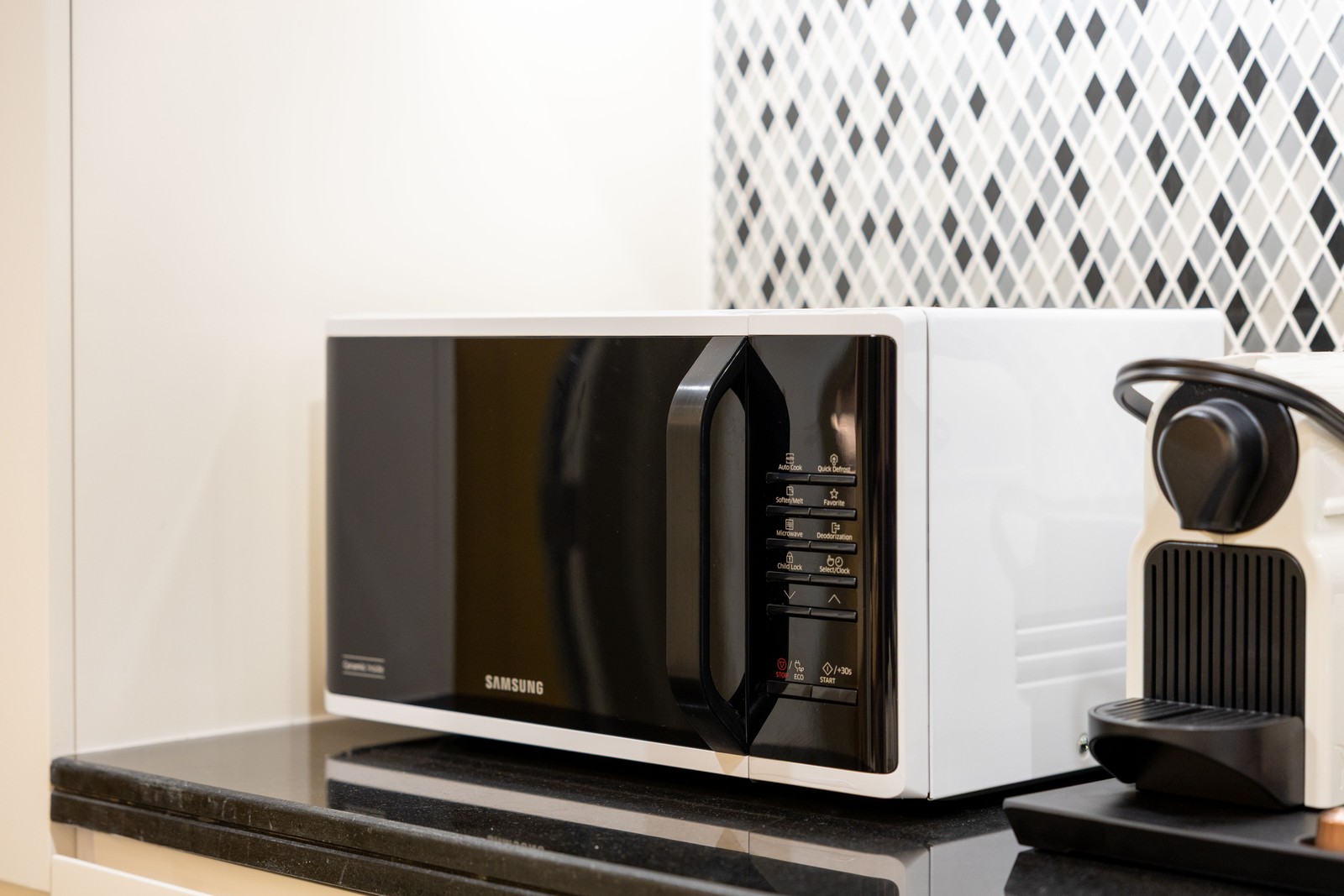
A microwave that runs but stays cold and one that sparks can both feel like the appliance is failing. In practice, one almost always needs a technician for safety reasons, and the other is frequently something you can rule out yourself in the time it takes to open the door and look inside.
These two symptoms feel similarly alarming, but they call for opposite responses. Not heating means a component inside the high-voltage section has failed, and every cause in that family requires a technician because of the capacitor's stored-charge risk described above, no exceptions. Sparking is usually either a usage issue you can fix instantly by removing metal from the microwave, or a worn part like the waveguide cover that sits safely away from the high-voltage section and can often be a homeowner-doable swap. If you're ever unsure which family you're dealing with, treat it as the more serious one until a technician confirms otherwise.
Tell us whether it's not heating or sparking and what you're seeing, and we'll usually be able to tell you which it is before anyone comes out. Same-day appointments across the Inland Empire and San Gabriel Valley.
One safety note: everything in this checklist can be done from outside the microwave's case, with the unit unplugged. Never remove the outer case or reach inside toward the high-voltage section for any reason.
Era Service repairs built-in, over-the-range, and countertop microwaves across the Inland Empire, San Gabriel Valley, Riverside, San Bernardino and Fontana, usually the same day, with genuine OEM parts on the van. More detail on the microwave repair service page.
Good to Know
The most common cause is a failed door interlock switch that lets the unit run its fan and turntable but blocks the magnetron as a safety measure. Beyond that, a failed high-voltage diode, capacitor, or a worn-out magnetron itself are the usual culprits, roughly in that order of likelihood.
Sparking is almost always caused by metal or metal-trimmed dishware inside, a damaged waveguide cover, or chipped interior paint exposing bare metal. Unlike a heating failure, sparking is usually a simple fix or a usage change, not a sign the microwave is dying.
Never open a microwave's outer case yourself. The high-voltage capacitor inside can hold a lethal electrical charge even after the microwave has been unplugged for weeks. This is different from most other kitchen appliances and is exactly why any repair involving the magnetron, diode, or capacitor is always a technician job, regardless of your experience with electrical work elsewhere.
Stop using it once you notice sparking. It's not an immediate hazard from a single spark, but continued arcing can damage the waveguide cover further or eventually affect the magnetron, and repeated arcing at one spot is how a small fixable issue turns into an expensive one.
Often yes. The waveguide cover is a small panel on the inside cavity wall, usually held by one or two screws or clips, and it doesn't require going anywhere near the high-voltage section of the microwave. If you can see it's burned, discolored, or has a hole in it, it's a straightforward homeowner replacement using the correct part for your model.
Same-day repair for built-in, over-the-range, and countertop microwaves with genuine OEM parts and a 90-day warranty.
See the service →Everything runs but nothing gets hot. The seven causes we see most on gas and electric ovens.
Read the guide →Same-day oven and range repair with genuine OEM parts and a 90-day warranty across the Inland Empire.
See the service →Same-day service across San Bernardino & North Orange County, backed by a 90-day warranty.
